Creating a home office that is both comfortable and productive is essential for anyone working from home. A well-designed workspace can boost your focus, reduce stress, and keep you motivated throughout your day. Whether you have a dedicated room or a small corner, these tips will help you set up an environment that supports your work and promotes wellbeing.
Choose the Right Location
Start by selecting a spot that suits your work style and daily routine. Ideally, find a quiet area with minimal distractions. If possible, use a separate room to create a clear boundary between work and home life.
Consider natural light
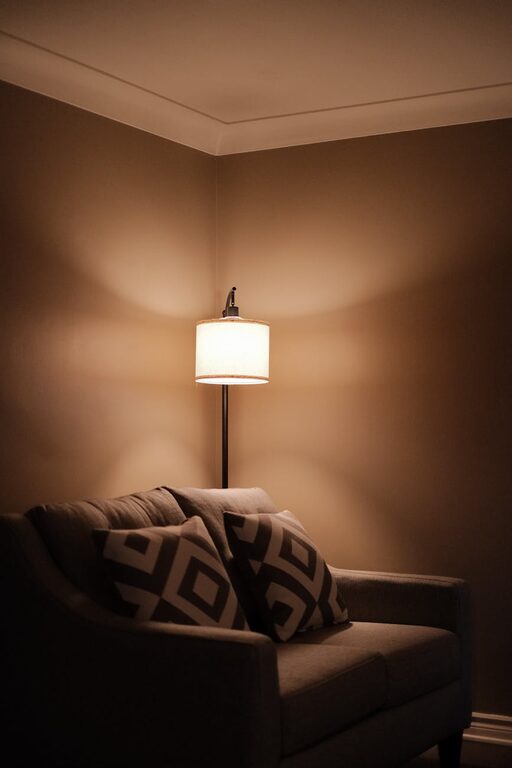
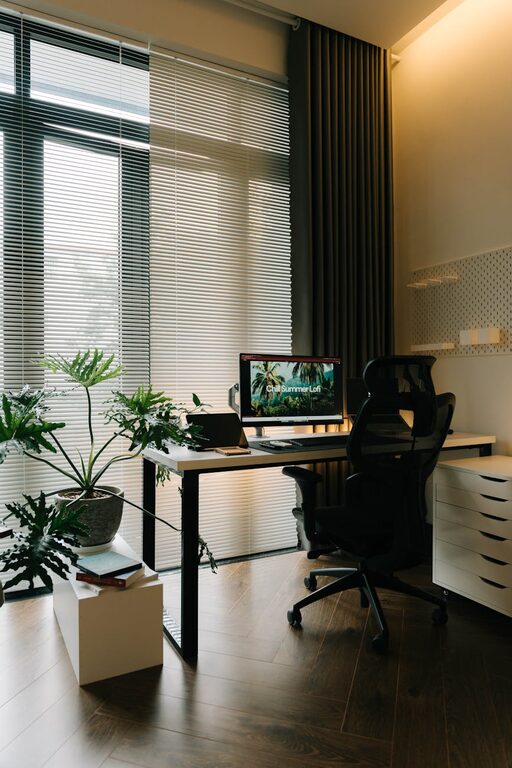
Good lighting is key to comfort and productivity. Position your desk near a window to benefit from natural daylight, which can improve mood and reduce eye strain. If natural light is limited, invest in a quality desk lamp with adjustable brightness.
Invest in Ergonomic Furniture
Comfort is crucial when spending hours at a desk. An ergonomic chair that supports your back and encourages good posture will prevent discomfort and potential health issues.
Desk height and layout
Ensure your desk is at a comfortable height, allowing your elbows to rest at a 90-degree angle when typing. Keep essentials within easy reach to avoid unnecessary stretching or twisting.
Use supportive accessories
Consider using a footrest, wrist supports, or a monitor stand to further improve your posture and reduce fatigue.
Keep Your Workspace Organised
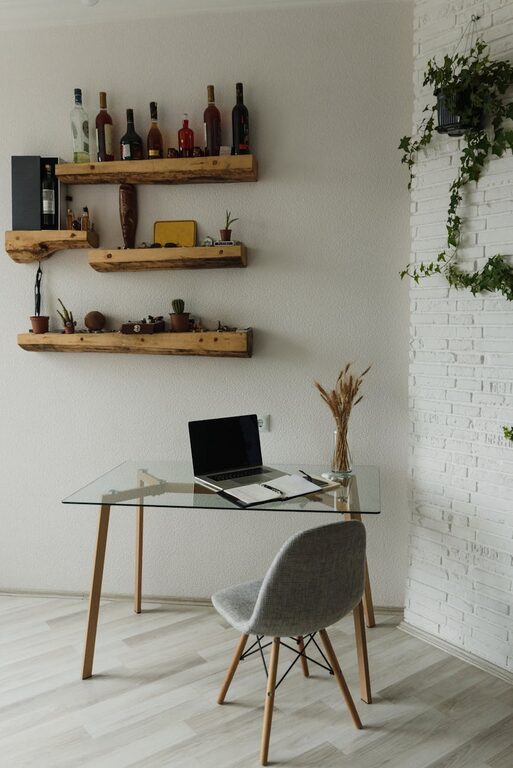
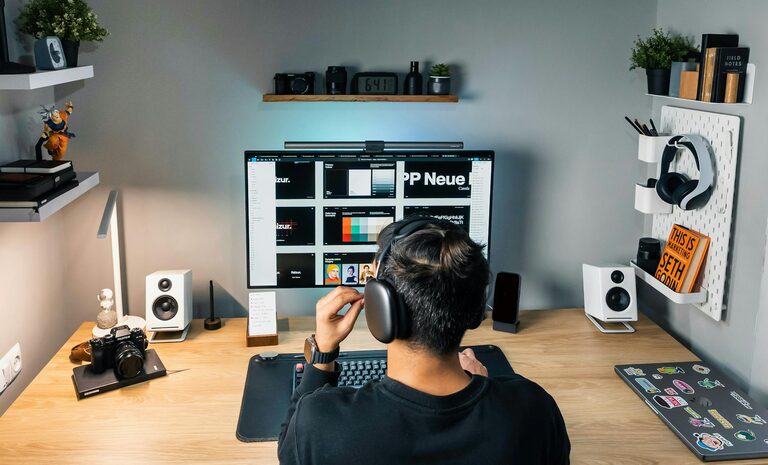
A tidy workstation helps clear your mind and maintain focus. Use storage solutions such as shelves, drawers, and organisers to keep papers, stationery, and electronics neatly arranged.
Declutter regularly
Set aside time each week to tidy your workspace and remove items that are no longer needed. This avoids build-up of clutter and keeps your area inviting.
Organise digital files
Don’t forget to organise your digital workspace as well. Regularly sort emails, documents, and project files to minimise digital distractions.
Personalise Your Space
Adding personal touches can make your home office more enjoyable and motivating. Consider artwork, plants, or items that inspire you.
Benefits of plants
Plants not only add colour but can improve air quality and boost your mood. Choose low-maintenance varieties like succulents or spider plants if you prefer something easy to care for.
Inspirational items
Keep a vision board, favourite quotes, or photos near your desk to remind you of your goals and keep your spirits high.
Minimise Distractions
Working from home often means juggling household noises and interruptions. Take steps to reduce distractions and maintain concentration.
Set boundaries
Communicate your working hours and boundaries clearly with family or housemates. Use headphones or white noise machines to block out background noise.
Manage notifications
Limit smartphone alerts and desktop notifications to essential communications only during work hours to stay focused on tasks.
Create a Routine and Separate Work Time
Establish a daily schedule that mirrors your office routine. Start your day by ‘commuting’ to your work area, take regular breaks, and finish work at a consistent time.
Use timers and breaks
Try techniques like the Pomodoro method, working in focused intervals followed by short breaks. This can help maintain concentration and avoid burnout.
End of day routine
Clear your desk and shut down your computer at the end of the day to signal the transition from work to personal time.
Use Technology Wisely
Select the right tools and software to enhance your productivity and communication.
Reliable internet and equipment
Ensure your internet speed meets your work requirements. Invest in a good quality headset and webcam if you participate in virtual meetings.
Productivity apps
Organise tasks, set reminders, and collaborate with colleagues using productivity apps designed for remote working.
Maintain Good Air Quality and Temperature
Comfort is also about your physical environment.
Ventilation and temperature control
Keep your workspace well ventilated. Use fans, heaters, or air conditioning as needed to maintain a comfortable temperature throughout the day.
Avoid screen glare and eye strain
Position your monitor to avoid reflections and glare from windows or lights. Use screen filters and adjust brightness settings to reduce eye strain.
—
By carefully considering your home office setup, you can create a space that supports both comfort and productivity. Small changes can make a significant difference in your work experience, helping you stay focused and motivated. Remember, the best home office is one tailored to your needs and style, so feel free to adapt these tips to what works best for you.
About the Author