
Creating a home office that is both inviting and productive is essential for anyone working remotely or managing tasks from home. A well-designed workspace not only encourages focus but also promotes comfort and well-being, helping you maintain a healthy work-life balance. Whether you have a dedicated room or a small corner to work with, these tips will help you set up a home office that suits your needs and style.
1. Choose the Right Location
Selecting the ideal spot for your home office is the first step towards productivity. Aim for a quiet area with minimal distractions, good natural light, and enough space for your work essentials.
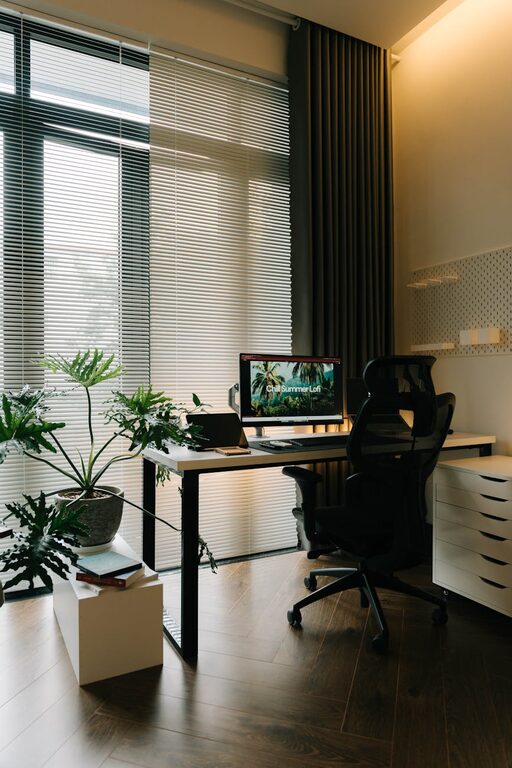
– Natural Light: Position your desk near a window to benefit from daylight, which can improve mood and reduce eye strain.
– Away from Noise: Avoid areas close to noisy appliances or high-traffic zones.
– Space for Movement: Ensure you have room to stretch and move freely to avoid feeling cramped.
2. Invest in Comfortable and Ergonomic Furniture
Your comfort directly impacts your productivity, so choose furniture that supports your posture throughout the day.
– Ergonomic Chair: Select a chair that supports your lower back and encourages good posture.
– Spacious Desk: Ensure your desk is large enough for your computer, notepad, and other essentials without clutter.
– Adjustable Furniture: If possible, use a desk or chair with adjustable features to suit your height and preferences.
3. Organise with Storage Solutions
A tidy workspace minimises distractions and saves time searching for items.
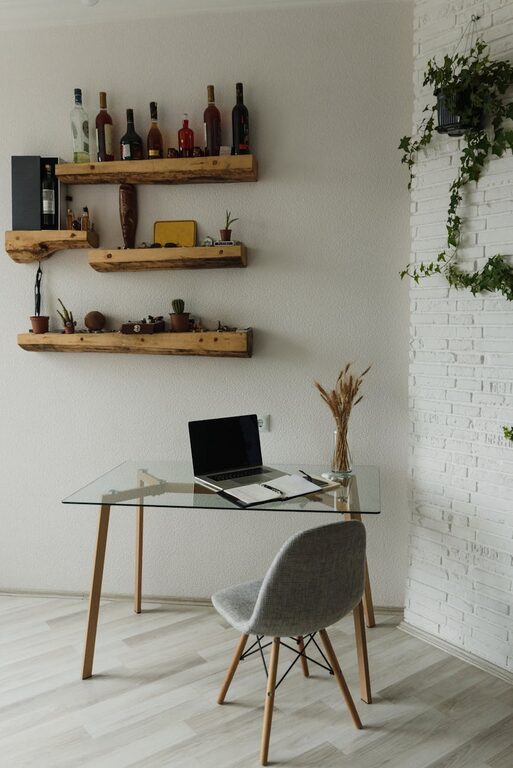
– Shelving and Cabinets: Use shelves to keep books, files, and stationery organised.
– Desk Organisers: Keep your desk clutter-free with trays or containers for smaller items.
– Cable Management: Use clips or cable sleeves to prevent cords from tangling.
4. Choose Calming Colours and Personal Touches
The colours and decorations in your office can influence your mood and creativity.
– Colour Palette: Opt for soft, calming shades like blues, greens, or neutrals to create a relaxing atmosphere.
– Personal Items: Display photos, plants, or artwork that inspire you without overpowering the space.
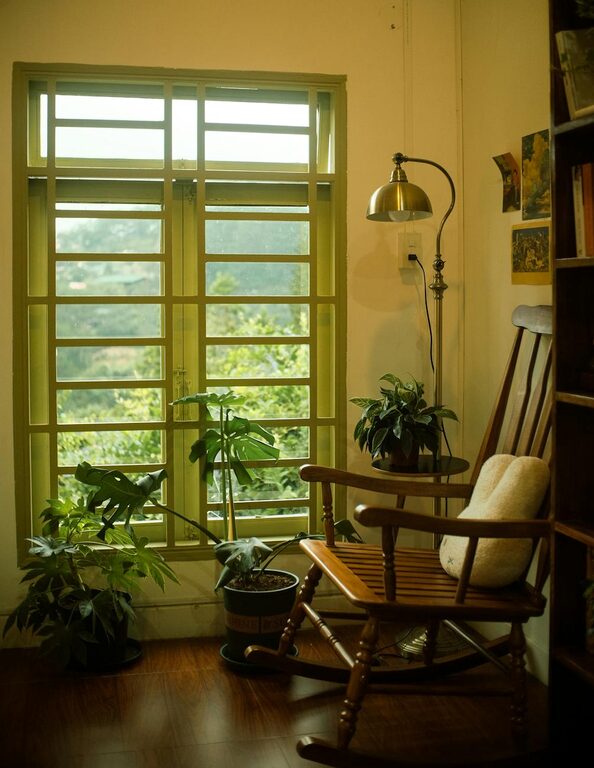
– Plants: Adding greenery not only brightens the room but can also improve air quality and reduce stress.
5. Ensure Proper Lighting
Good lighting is crucial, especially during darker hours or if your space lacks natural light.
– Task Lighting: Use a desk lamp with adjustable brightness to focus light on your work area.
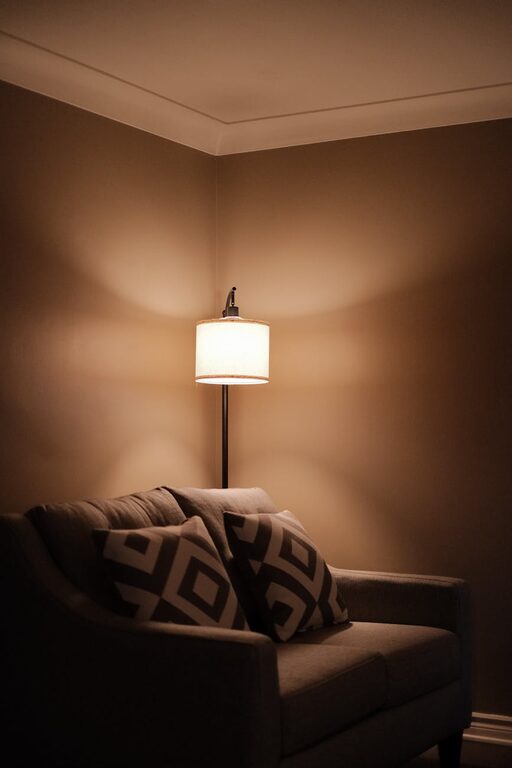
– Ambient Lighting: Combine overhead lights or floor lamps to illuminate the room evenly.
– Avoid Glare: Position screens and lamps to reduce reflection and eye fatigue.
6. Minimise Distractions
Maintaining focus is easier when distractions are reduced.
– Noise Control: Consider noise-cancelling headphones or white noise machines if background noise is unavoidable.
– Separate Work and Leisure: Design your workspace solely for work to create mental boundaries.
– Declutter Regularly: Set aside time each week to tidy your office and keep only what you need.
7. Incorporate Technology Wisely
Equip your office with reliable technology that supports your work without causing frustration.
– Fast Internet: Ensure a stable connection for video calls and online tasks.
– Ergonomic Accessories: A wireless keyboard or mouse can reduce strain.
– Monitor Setup: Use a monitor or dual screens if your work involves multiple applications.
8. Maintain Good Air Quality and Temperature
Comfort includes the environment around you.
– Ventilation: Open windows when possible or use an air purifier.
– Temperature Control: Keep the room at a comfortable temperature—not too hot or cold—to help concentration.
Final Thoughts
Designing an inviting and productive home office is a balance between functionality and personal comfort. By considering location, furniture, organisation, lighting, and your own preferences, you can create a space that motivates you and supports your workflow. Remember, a well-planned office can make working from home a positive and fulfilling experience. Take your time to customise your workspace, and don’t hesitate to update it as your needs evolve.
About the Author